> For the complete documentation index, see [llms.txt](https://docs.cspr.market/llms.txt). Markdown versions of documentation pages are available by appending `.md` to page URLs; this page is available as [Markdown](https://docs.cspr.market/publishing-an-existing-collection.md).
# Publishing an existing collection
### Publishing through CSPR.studio
If your NFT collection was created outside of CSPR.studio you can still use it to publish your collection to CSPR.market.
Note: You can also create a new collection on CSPR.studio, see details [here](/create-your-collection.md#creating-an-nft-collection).
### First register your existing collection
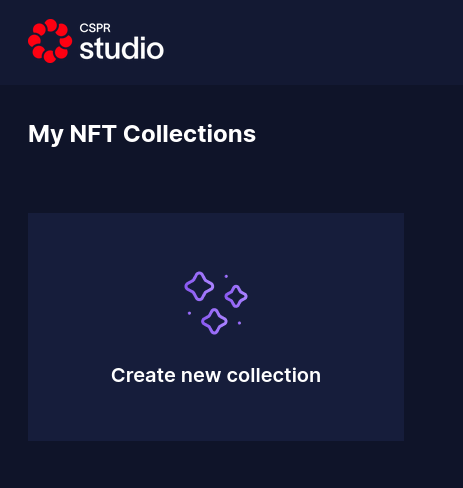
* Navigate to [CSPR.studio](https://cspr.studio) > [My Collections](https://cspr.studio/collections)
* Click [Create new collection](https://cspr.studio/new-collection)
* On the "Create a new NFT Collection" page, click [Register an existing collection](https://casper-nft-studio.stg.make.services/register-collection) on top right
* Provide your collection details
* Once you have submitted the collection details, if everything is correct then you should see a success message
* Add collection assets by following the details in [customizing your collection](https://docs.cspr.market/create-your-collection#customize-your-collection).
* Then to publish on CSPR.market, follow the steps in [publishing your collection](https://docs.cspr.market/create-your-collection#publishing-your-new-collection).